
How to Build an Office Network: Equipment, Setup Steps, and Key Factors
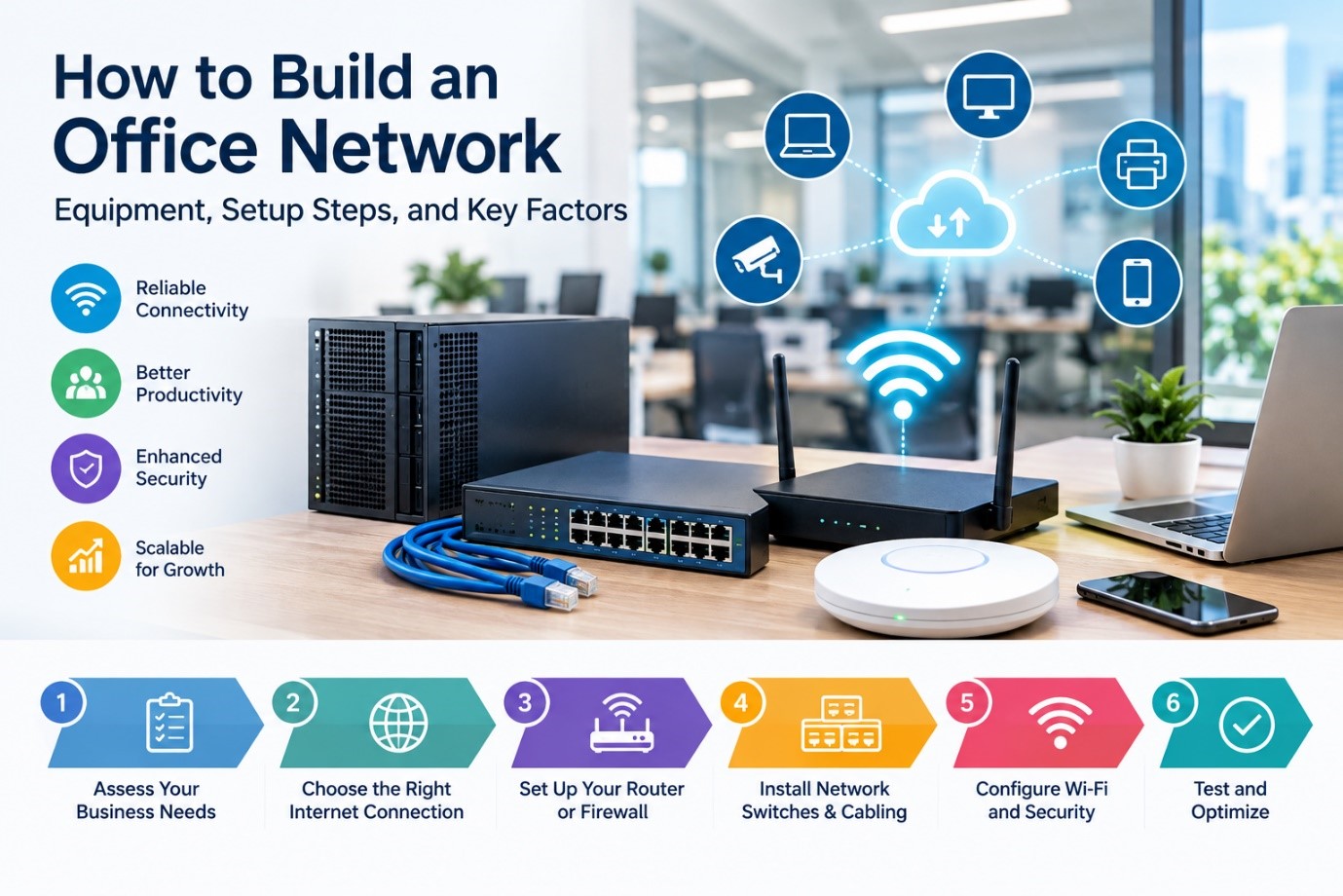
A reliable office network is the foundation of modern business technology.
Employees rely on the network to access the internet, cloud applications, printers, shared files, business systems, and communication tools. When the network is slow, unreliable, or poorly designed, productivity suffers.
Whether you’re opening a new office, relocating, or upgrading an existing workspace, proper Office Network Installation is essential.
This guide explains how to build an office network, the equipment you’re likely to need, and the key factors worth considering.
What Is an Office Network?
An office network connects computers, printers, servers, phones, and other devices so they can communicate and share resources.
A typical Business Network Setup may include:
- Internet connection
- Modem or network termination device
- Business-grade router or firewall
- Network switches
- Wi-Fi access points
- Ethernet cabling
- Computers and mobile devices
- Network printers
- Servers or cloud services
The size and complexity of the network depend on the business itself.
Step 1: Assess Your Business Requirements
Before buying equipment, think about how the business will actually use the network.
Ask:
- How many employees will use the network?
- How many computers and devices will connect to it?
- Do employees need Wi-Fi?
- Will customers or visitors need guest Wi-Fi?
- Are there any security or compliance requirements?
- Will the business rely on cloud applications?
- Are staff working remotely?
- Do you need network printers?
- Is video conferencing used regularly?
These answers will help shape the right Business Networking Solutions for you.
Step 2: Choose the Right Internet Connection
Your office network is only as good as the internet connection behind it.
Consider:
- Download speed
- Upload speed
- Reliability
- Number of users
- Cloud applications
- Video meetings
- VoIP phone systems
Businesses that rely heavily on cloud storage, Microsoft 365, or video conferencing may need more bandwidth than a basic connection can offer.
It’s also worth considering a backup internet option for businesses that can’t afford long outages.
Step 3: Install a Business-Grade Router or Firewall
The router connects your internal network to the internet.
For business environments, a suitable router or firewall may provide:
- Network security
- Traffic management
- VPN access
- Network segmentation
- Monitoring
- Firewall protection
The right equipment depends on the size and needs of the business.
Step 4: Add Network Switches
A network switch connects multiple wired devices together.
For example, switches can connect:
- Desktop computers
- Printers
- Servers
- Wi-Fi access points
- IP phones
- Security devices
Larger offices may need more than one switch.
Managed switches give you extra control over how the network is configured.
Step 5: Plan Your Office Cabling
Reliable wired connections still matter for many businesses.
A professional Office Network Installation may include Ethernet cabling for:
- Desktops
- Meeting rooms
- Printers
- Access points
- Phones
- Servers
Good cabling should be organised, clearly labelled, and designed with future expansion in mind.
Step 6: Install Business Wi-Fi
Wi-Fi needs to be planned around the size and layout of the office.
A single wireless router often won’t provide reliable coverage across a larger workspace.
A proper business wireless setup usually needs multiple access points positioned strategically throughout the office.
Important factors include:
- Office size
- Wall materials
- Number of users
- Meeting rooms
- Device density
Areas that need strong coverage
Step 7: Separate Your Business and Guest Networks
Network segmentation improves both security and manageability.
For example, a business might create separate networks for:
- Employees
- Guests
- Business devices
- Printers
- Internet of Things devices
Guest users generally shouldn’t have unrestricted access to internal business systems.
Step 8: Configure Network Security
A business network needs appropriate security controls built in.
These may include:
- Firewall protection
- Secure Wi-Fi passwords
- Network segmentation
- Access controls
- Software updates
- VPN access
- Device security policies
Step 9: Test the Network
Before relying on a new network day-to-day, test:
- Internet connectivity
- Wired connections
- Wi-Fi coverage
- Printer access
- File access
- Video conferencing performance
- Guest network access
- Security configuration
Essential Equipment for an Office Network
Internet Connection
Provides access to online services and cloud applications.
Router or Firewall
Manages the connection between your internal network and the internet.
Network Switch
Connects multiple wired devices.
Wi-Fi Access Points
Provide wireless coverage throughout the office.
Ethernet Cabling
Provides reliable wired connections.
Network Rack or Cabinet
Helps keep network equipment organised in larger installations.
Uninterruptible Power Supply
Can provide temporary power protection for critical network equipment during short power interruptions.
How to Install an Office Network: Common Mistakes to Avoid
Using Consumer Equipment for a Growing Business – Home networking gear often can’t deliver the performance, management, or security a growing business needs.
Not Planning for Future Growth – A network built for five employees can quickly become inadequate once the business grows to 20.
Poor Wi-Fi Placement – Sticking a single router in one corner of the office often leads to weak coverage elsewhere.
Ignoring Security – A network without proper security configuration leaves business systems exposed to unnecessary risk.
Poor Cable Management – Unlabelled cables and disorganised equipment make future troubleshooting far harder than it needs to be.
Wired vs Wireless: Which Is Better?
Wired Networks
Best for:
- Desktop computers
- Servers
- Network equipment
- Devices that need stable, high-speed connections
Wireless Networks
Best for:
- Laptops
- Mobile devices
- Flexible workspaces
- Meeting rooms
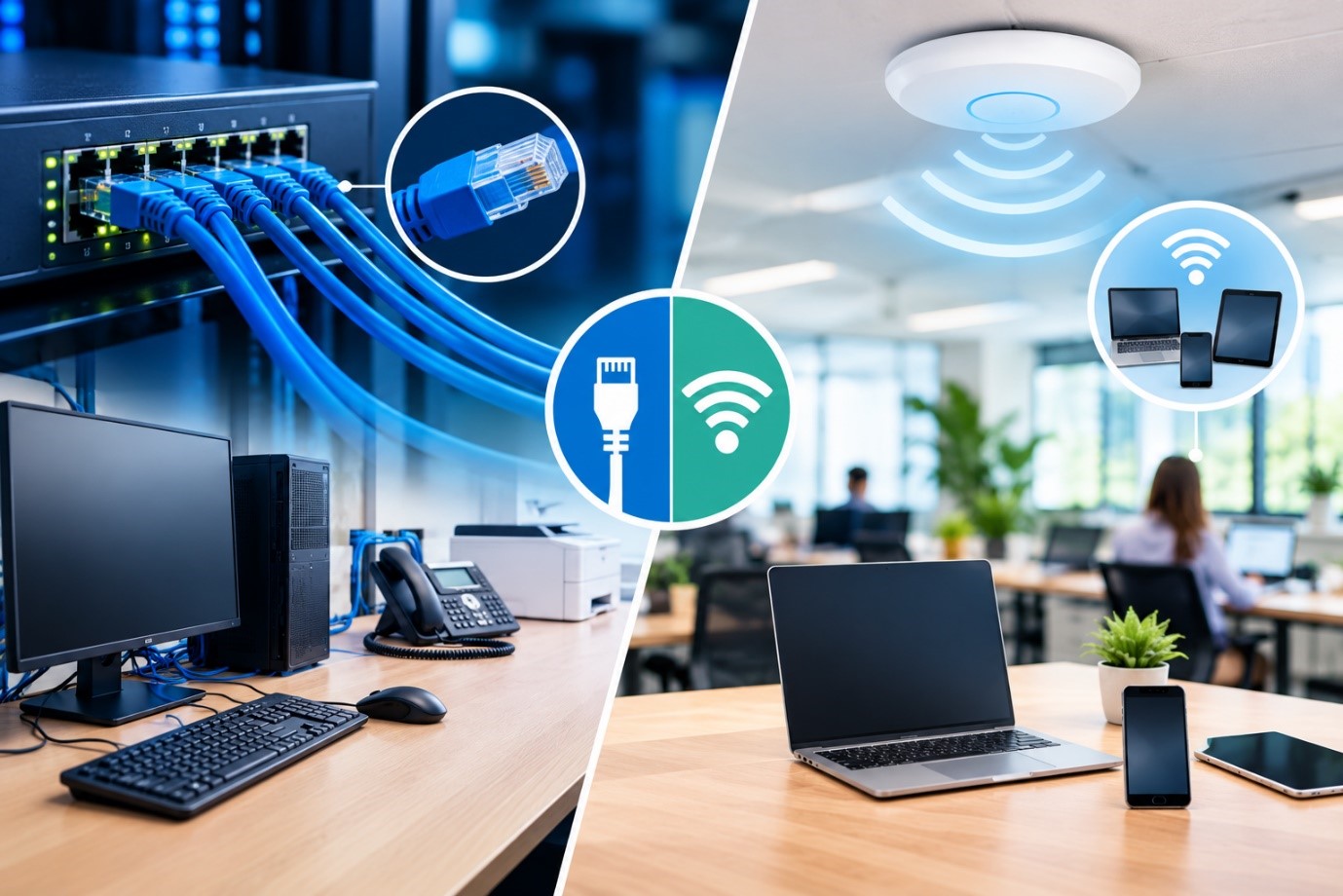
A well-designed office network usually combines both wired and wireless connectivity.
Why Professional Business Network Setup Matters
Business networking can get complicated once multiple users, devices, and cloud services are involved.
Professional assistance can help with:
- Network planning
- Equipment selection
- Office Network Installation
- Wi-Fi setup
- Network security
- Cabling coordination
- Troubleshooting
- Future expansion
How The Tech Co Can Help
The Tech Co provides Business Networking Solutions and IT support for Perth businesses.
We can assist with:
- Business Network Setup
- Office Network Installation
- Wi-Fi setup
- Network troubleshooting
- Router and switch configuration
- Printer connectivity
- Microsoft 365 connectivity
- Business technology support
Whether you’re setting up a new office or upgrading an existing network, a well-planned solution helps keep your business connected and productive.
Frequently Asked Questions
What equipment do I need to build an office network?
Most offices need an internet connection, a router or firewall, a network switch, Wi-Fi access points, and appropriate cabling.
How many Wi-Fi access points does an office need?
That depends on the office size, layout, wall materials, and number of users.
Should employees and guests use the same Wi-Fi network?
It’s generally better to keep guest access separate from the internal business network.
Should I use wired or wireless networking?
Most businesses do best with a combination of wired and wireless connectivity.
Need Help Building Your Office Network?
A reliable network starts with good planning.
The Tech Co can assist with Business Network Setup, Office Network Installation, and ongoing IT support for businesses in Perth.
Contact us to discuss your office networking requirements.