
What Is a Cybersecurity Checklist for a Small Business?
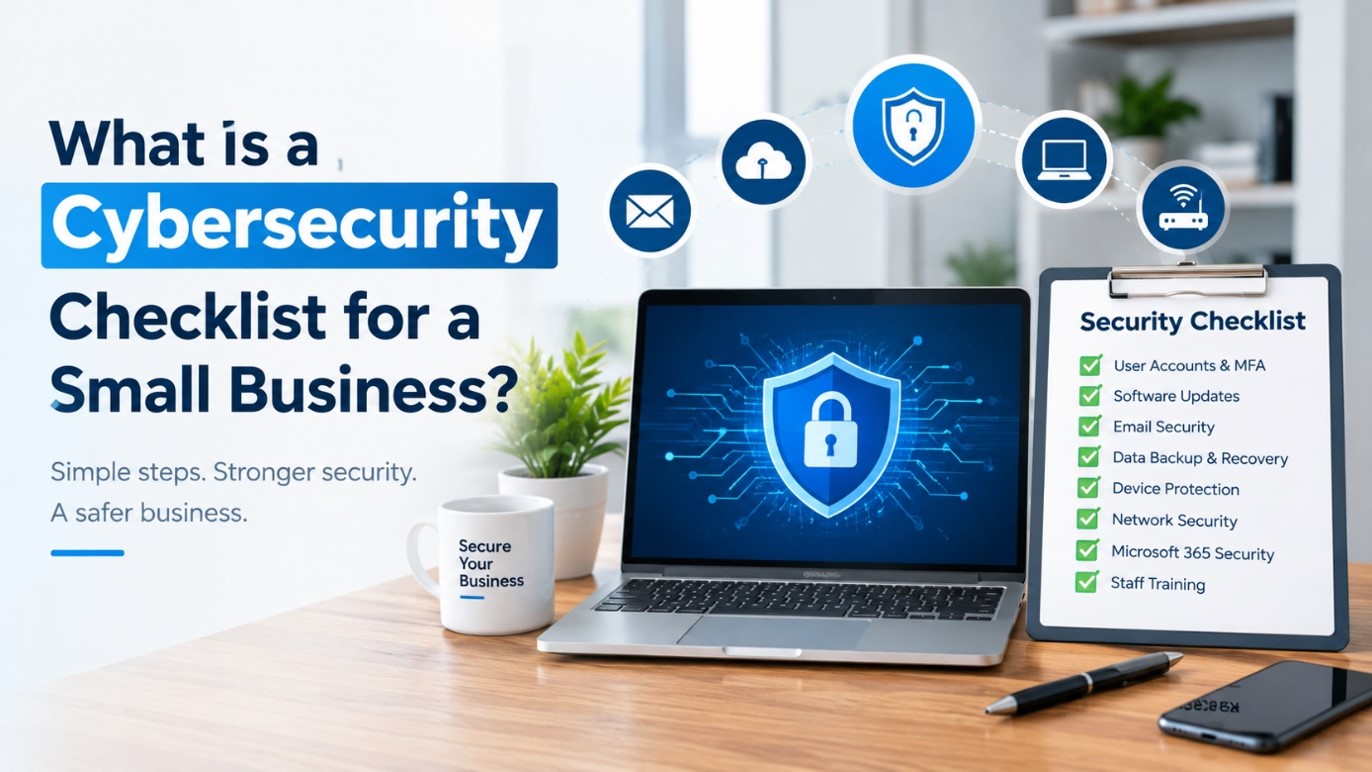
Cybersecurity is not only a concern for large organisations. Cybersecurity for small businesses can also face phishing, malware, stolen passwords, account compromise and data loss.
A useful small business cybersecurity checklist can assist owners in pinpointing their vulnerabilities while ensuring that they do not make their security systems overly complex.
IT Security Checklist
Use the following checklist to review the key areas of your small business security and identify practical steps to strengthen your overall IT protection
1. Protect Every User Account
Always use strong, unique passwords and, when available, multi-factor authentication. Be extra careful with email and Microsoft 365, banking, accounting and administrator accounts.
2. Keep Software Updated
Keep all operating systems, browsers, applications, routers and security software current. Security patches are frequently a part of updates for known vulnerabilities.
Facilitate automatic updates when possible and create an automatic update process when automatic updates are not possible.
3. Secure Business Email
One of the more popular ways of phishing and account compromise is by email. Employ multi-factor authentication, monitor for any unusual sign-in activity and offer some phishing awareness training for employees.
Staff should be aware of how to confirm unusual requests for payment, password reset messages and attachments.
4. Use Reliable Backups
Backups are vital for business data to avoid accidental deletion and be safe from any ransomware. Backups should not be “set and forget,” but backed up and tested.
5. Securing computers and devices
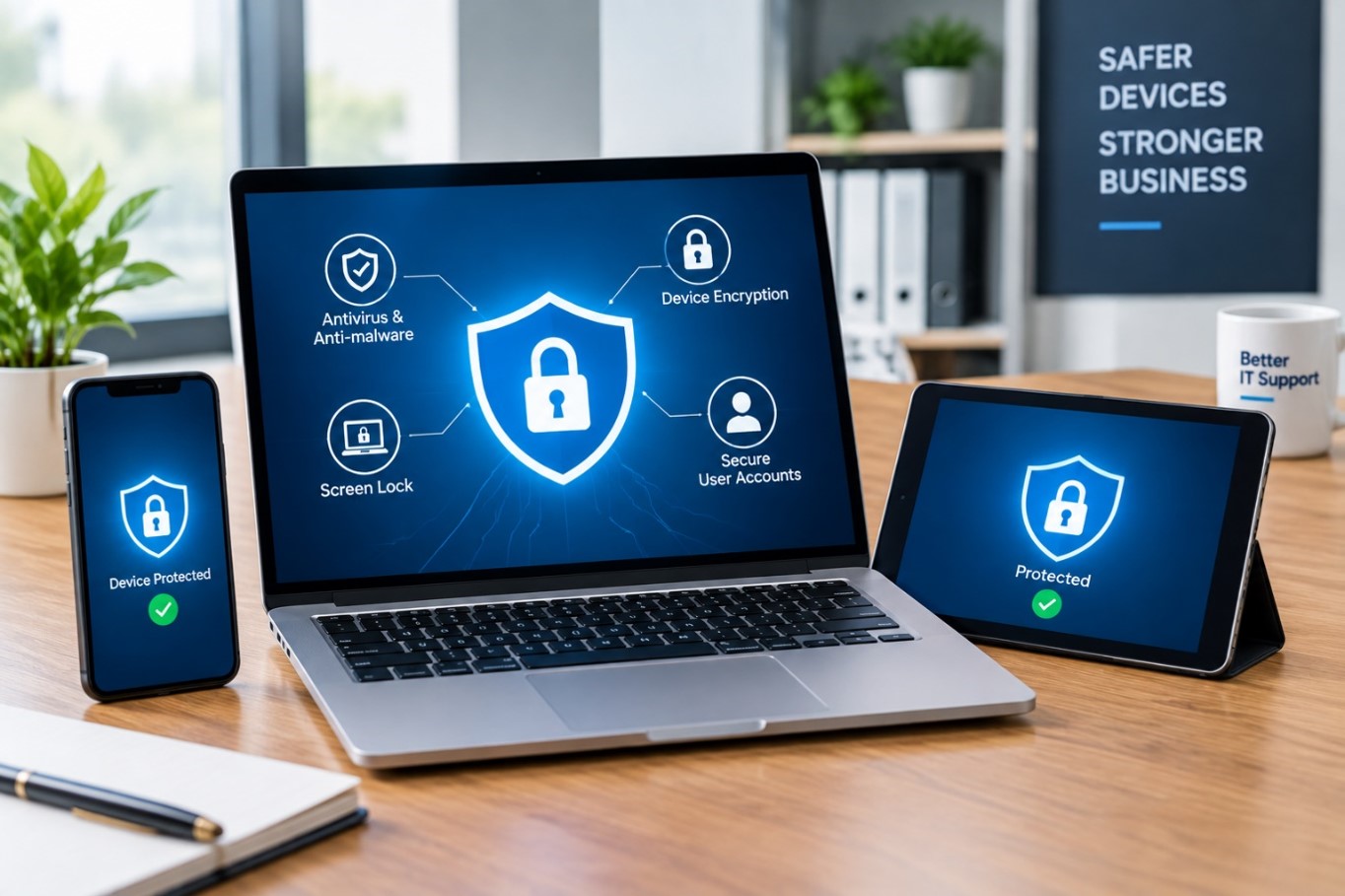
Use trusted endpoint security, screen locks, device encryption as appropriate and standard user accounts for routine work. If not properly protected, lost laptops and unattended computers can compromise business information.
6. Ensure Wi-Fi and Networking are secured
Set default router and network passwords, maintain network equipment up to date and employ appropriate wireless security. Use a different network for guests than for business use, if possible.
7. Review Microsoft 365 Security
Check mailbox sharing, multi-factor authentication, sign-in, and mailbox forwarding rules for administrator accounts. It’s also important for businesses to know what Microsoft 365 support can and cannot stop from happening in the event of data loss.
8. Organize a Flood Response Team
Be able to respond to account security breaches and device infections. You should include a list of the people to contact, methods to isolate affected devices, and how to recover data from backups.
9. Train Staff
The use of technology is essential but so too is the awareness of those using it. Remind employees frequently not to click on unexpected links, to not give out their passwords or approve unconfirmed payment requests.
Business Security Checklist
At a minimum, review: MFA, strong passwords, software updates, email security, endpoint protection, secure Wi-Fi, backups, Microsoft 365 security, staff training, and an incident response process.
How The Tech Co Can Help
The Tech Co can assist Perth small businesses to review their IT infrastructure, setup of Microsoft 365, backups, computers, Wi-Fi/Network environment. Talk to us today about how to make practical changes for your business to improve cybersecurity.
About The Tech Co
The Tech Co is a Perth-based computer repair company that offers computer repair services for homes and businesses. Services offered: business IT support services, Microsoft 365 support, WiFi and network solutions, data backup, cybersecurity support, computer repairs and troubleshooting with technology.