
How AI-Powered Scams Are Changing Business Cybersecurity in 2026
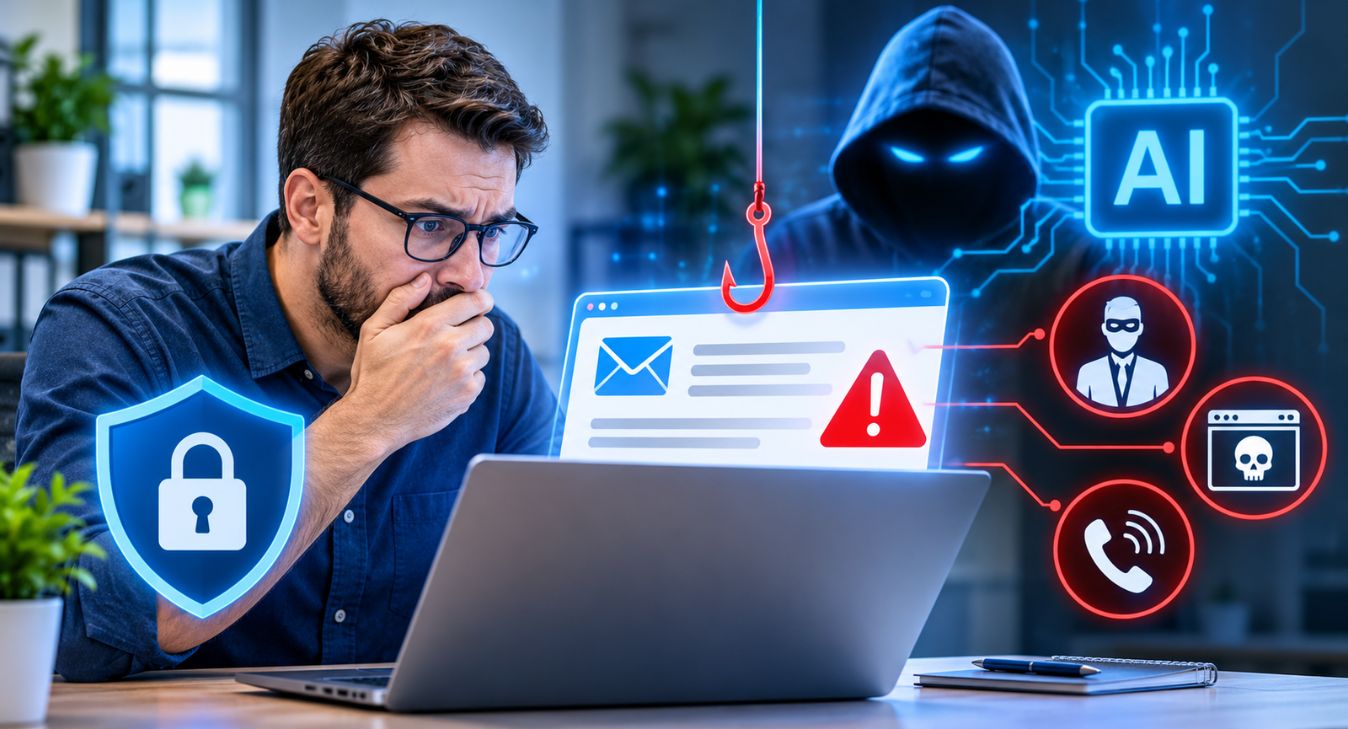
AI is changing the way scammers create and deliver fraudulent messages. In 2026, a suspicious email may be polished, personalised and free of the spelling mistakes people once relied on to spot scams. Criminals can use AI to generate convincing supplier messages, impersonate executives, create fake websites and support voice or video impersonation. The goal remains familiar: steal money, obtain credentials or gain access to business systems. Small businesses need verification processes that do not depend on whether a message looks genuine.
What AI-powered business scams can look like
AI-assisted phishing can produce messages that match a company’s tone, refer to public information and appear to come from a real supplier or colleague. A fake invoice may include the correct project name and a plausible explanation for changed bank details.
Voice cloning and deepfake media can make an urgent request appear to come from a manager, business owner or supplier. Scammers may combine email, phone calls and messaging apps to reinforce the same false story.
Why traditional warning signs are less reliable
Poor grammar, generic greetings and strange formatting can still be warning signs, but professional writing is no longer proof of legitimacy. A familiar display name or caller ID can also be spoofed. Even a message that refers to genuine business activity may come from a compromised account.
Train staff to focus on the request and the process, not just the presentation. Unexpected payment changes, password requests, authentication codes, remote access instructions or urgent secrecy should trigger independent verification.
Common attacks targeting small businesses
- Business email compromise: an attacker accesses or imitates an email account to redirect payments or obtain sensitive information.
- Invoice and bank-detail fraud: a fake or altered invoice asks the business to pay a different account.
- Executive impersonation: a message or call appears to come from a director requesting an urgent transfer or confidential information.
- Credential phishing: a fake sign-in page captures Microsoft 365 or other business credentials.
- Remote access scams: someone poses as a trusted technician or vendor and persuades staff to install software or grant access.
Build a verification process for payments and account changes
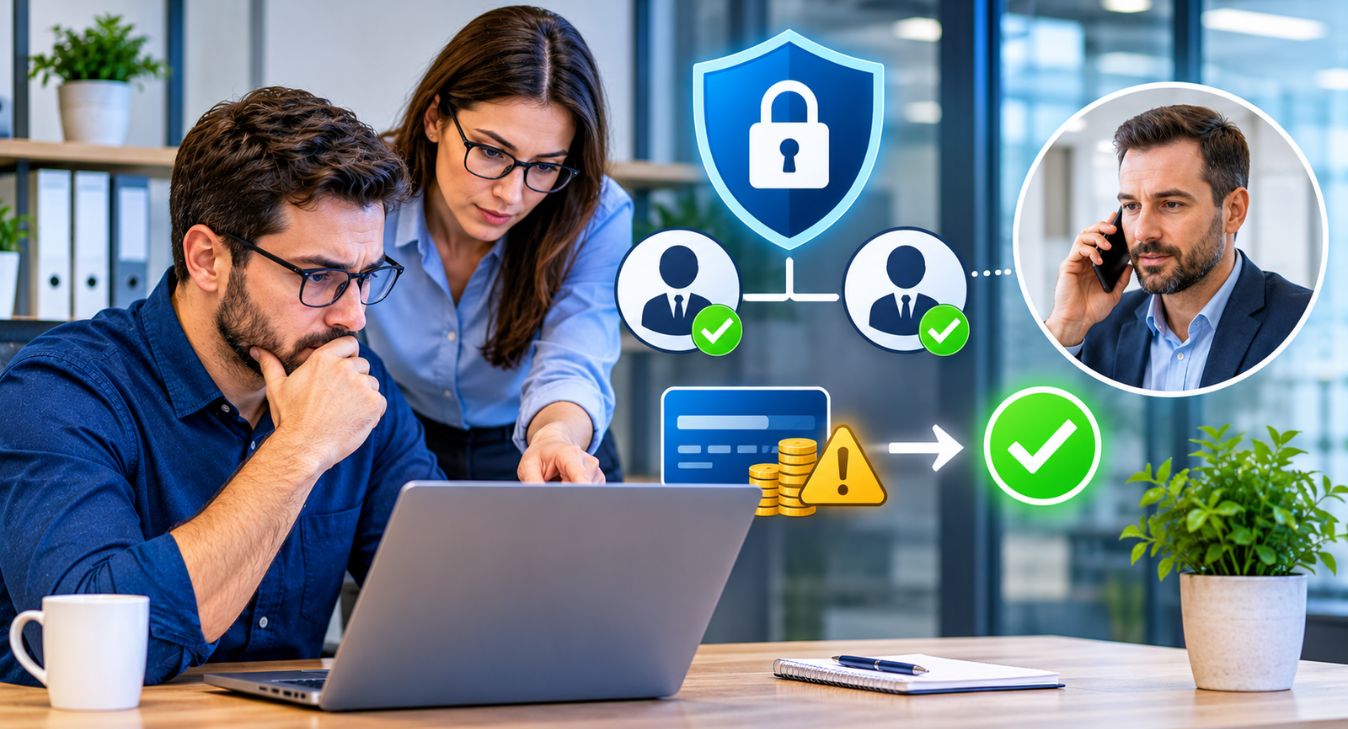
Require a second person to approve significant or unusual payments. Verify new or changed bank details using a known phone number already held in your records—not the number in the email requesting the change. For urgent executive requests, call the person through a trusted channel and confirm the request.
Create a simple rule: no one should be criticised for pausing a transaction to verify it. A few minutes of checking can prevent a substantial loss.
Strengthen business email security
Enable multi-factor authentication, especially for email and administrator accounts. Use strong unique passwords, disable legacy sign-in methods where appropriate, review forwarding rules and monitor unusual sign-ins. Configure available email authentication and anti-phishing protections for your domain and mail platform.
Keep devices and applications updated. Limit administrator privileges and ensure backups are isolated or protected against unauthorised changes. Email security is strongest when combined with endpoint protection, identity controls and staff awareness.
Prepare staff for AI-enabled impersonation
Run short, realistic exercises showing a fake invoice, a cloned-voice scenario and a credential phishing message. Give employees a clear way to report suspicious activity. Tell staff never to share passwords or one-time authentication codes with callers, even if the caller claims to be IT support.
Review incidents without blame. If someone reports a mistake quickly, your IT team may be able to revoke sessions, reset credentials, block malicious rules or contact the bank before the damage spreads.
Improve small business cybersecurity with The Tech Co
AI makes scams more convincing, but strong controls and consistent verification can reduce the risk. The Tech Co can help Perth businesses improve Microsoft 365 security, configure practical phishing protection, review access controls and provide staff guidance.
Contact The Tech Co on 0481345669 or help@thetechco.com.au to strengthen your business email security and cybersecurity.