
RAID Data Recovery: What Perth Businesses Should Know Before Losing Critical Data
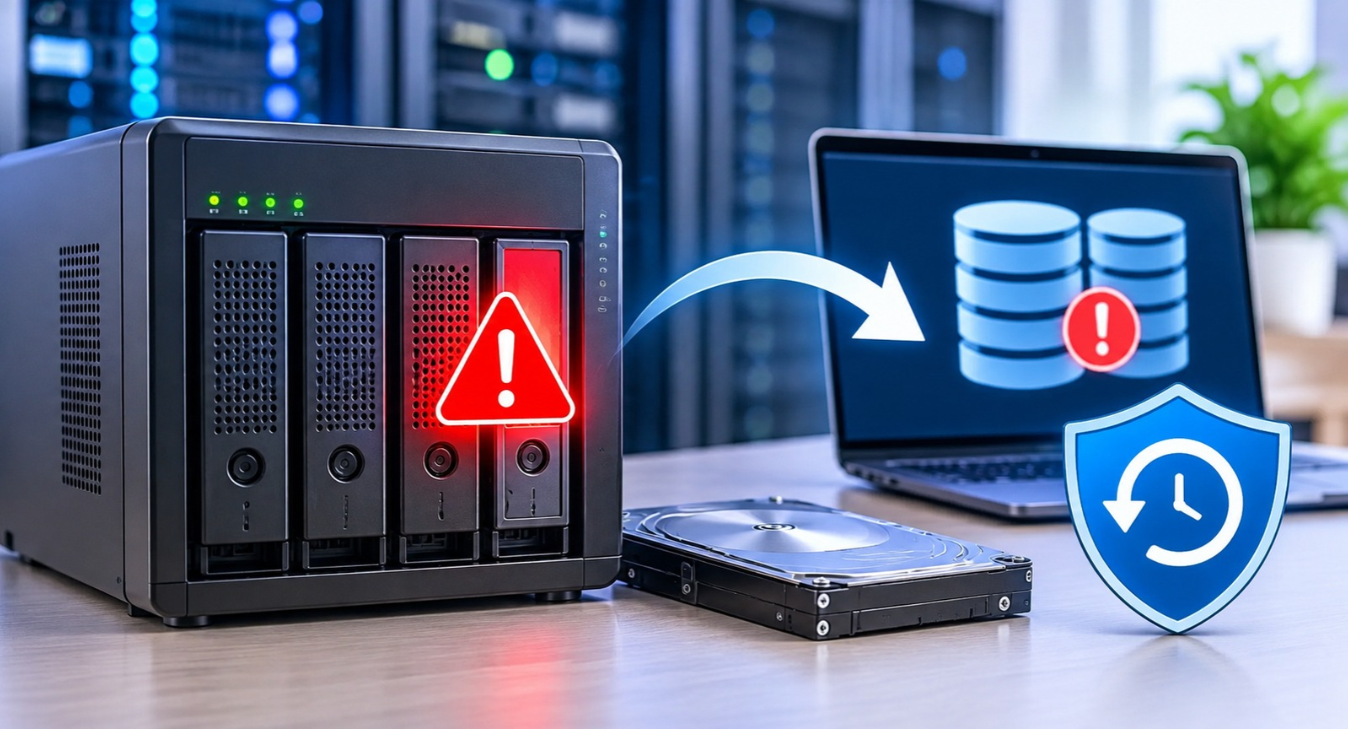
RAID storage is commonly used in business servers and network storage systems because it can improve availability, performance or capacity, depending on the RAID level. However, RAID is not a backup. Multiple drive failures, controller faults, file-system corruption, accidental changes or power problems can make an array inaccessible. If important business files suddenly disappear or a RAID volume will not mount, the steps taken immediately afterwards can affect the chances of recovery.
What RAID does and does not protect against
RAID combines multiple disks into one logical storage system. Different levels use different approaches. RAID 1 mirrors data, RAID 5 and RAID 6 use parity, and RAID 10 combines mirroring and striping. Each has different capacity, performance and fault-tolerance characteristics.
Redundancy may allow a system to continue operating after a limited number of drive failures, depending on the RAID design. It does not protect against ransomware, accidental deletion, fire, theft, controller failure, file-system damage or every combination of disk faults. Independent, tested backups remain essential.
Warning signs of a RAID problem
Warning signs include repeated disk alerts, a degraded array, unusual clicking or grinding noises, a storage volume disappearing, very slow file access, unexpected read-only status or a server that fails to start. A RAID controller may also report foreign configuration, missing members or inconsistent metadata.
Do not assume that a warning light identifies the only failed component. A disk may have been removed, replaced or rebuilt incorrectly, and a second drive may be close to failure.
What to do when a RAID array fails
- Stop unnecessary writes to the affected storage. New activity can overwrite recoverable information.
- Record the exact error messages, controller model, RAID level and drive order if known.
- Do not initialise, format or recreate the array when prompted.
- Do not randomly swap drive positions or experiment with different rebuild settings.
- If a drive is making unusual mechanical noises, power it down and seek specialist advice rather than repeatedly testing it.
- Check whether a recent, verified backup is available before attempting recovery.
Why rebuilding can make things worse
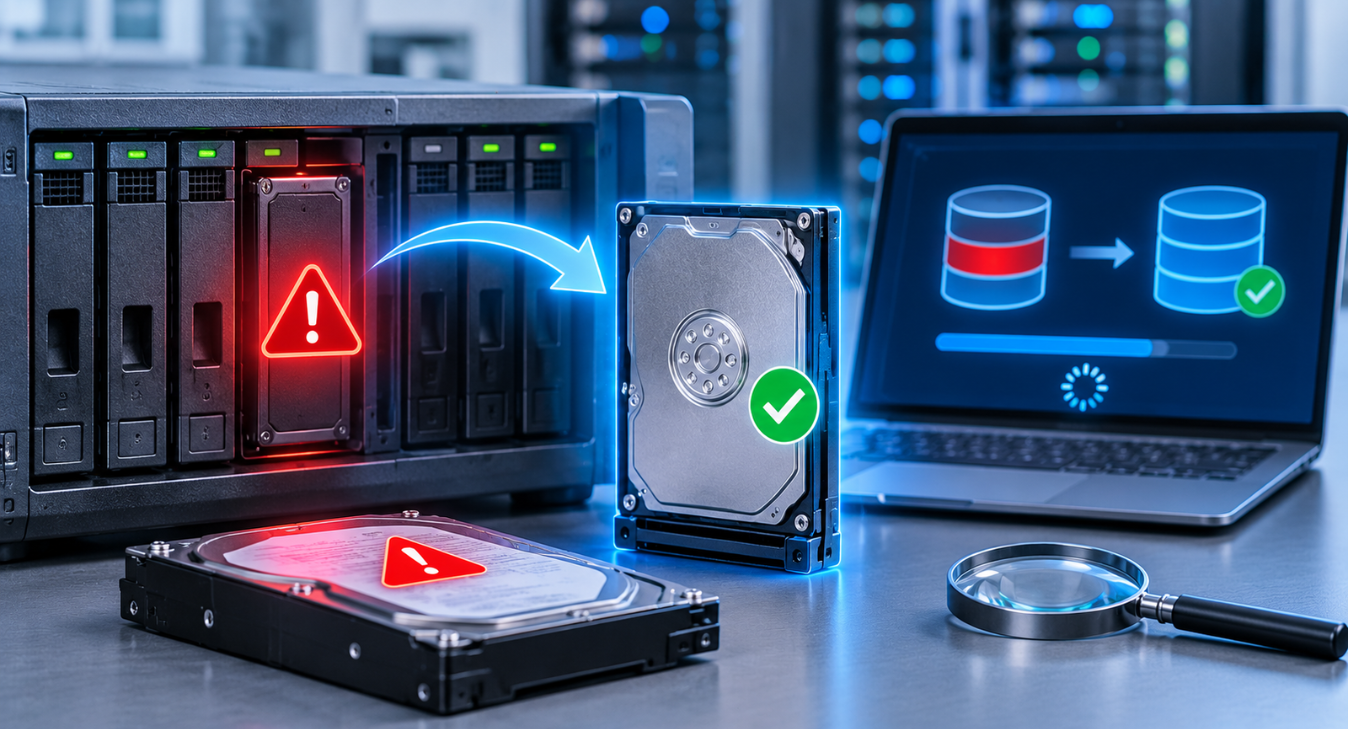
A rebuild reads data from surviving members and reconstructs information onto a replacement disk. If the wrong disk is replaced, the array parameters are incorrect or another member is unstable, a rebuild may fail or reduce the information available for recovery.
RAID recovery can require analysis of disk images, stripe size, disk order, parity layout, controller metadata and file-system structures. The process varies by RAID level and storage platform. Avoid DIY recovery utilities on the original disks unless a qualified technician has assessed the situation and created safe working copies.
How a professional recovery assessment works
A specialist assessment generally identifies the storage configuration, symptoms, disk health and likely cause of failure. Where appropriate, technicians may create sector-level images of the drives and work from copies rather than repeatedly accessing the originals. They then assess whether the array can be reconstructed and which files are recoverable.
Recovery is not guaranteed. Physical damage, overwritten data, multiple failed disks and encryption can affect the outcome. Ask for a clear explanation of the proposed process, risks, estimated costs, confidentiality arrangements and how recovered data will be returned.
Prevent the next storage incident
Keep independent backups that cover business-critical data and test restores regularly. Monitor disk health and RAID alerts, maintain supported firmware, use appropriate UPS protection and document the array configuration. Keep replacement disks compatible and follow the storage vendor’s procedures.
Define recovery priorities before an incident: which systems must return first, how much data loss is acceptable and how long the business can operate without the service. A written disaster recovery plan turns an emergency into a more controlled process.
Need help with business data recovery?
If a server or NAS array has failed, avoid unnecessary changes and obtain advice before attempting a rebuild. The Tech Co can help Perth businesses assess the incident, review backup options and coordinate appropriate data recovery services.
Call 0481345669 or email help@thetechco.com.au. RAID data recovery outcomes depend on the condition of the drives and the nature of the failure; no recovery result should be assumed in advance.