
Local IT Support vs. Remote IT Support: Which Is Better for Perth Businesses?
Introduction
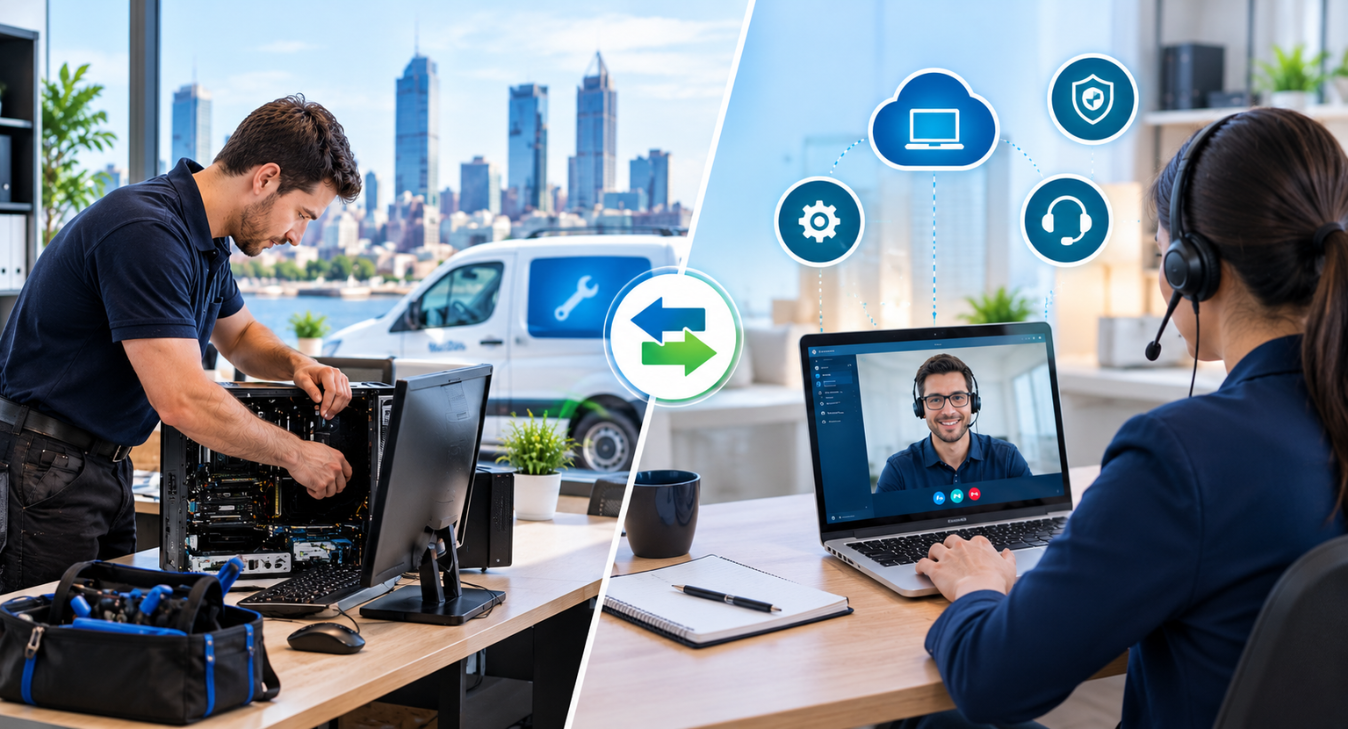
Remote support lets a technician investigate many technology issues without travelling to your workplace. Local support adds the option of an onsite visit when physical equipment, cabling or the working environment is part of the problem. For many Perth businesses, the most practical choice is a combination of both.
What remote IT support can do well
With your permission, a technician can use a secure remote session to help with software settings, email configuration, account access, updates and many performance problems. Remote support can reduce travel time and may allow an issue to be assessed quickly.
It is less suitable when a computer cannot connect to the internet, hardware is damaged, cables need checking or the problem depends on Wi-Fi coverage in a particular room. Remote tools should be used only through trusted, authorised channels.
What local onsite support adds
A local IT support company Perth business can call may visit to inspect devices, test network connections, configure printers, set up workstations or investigate issues affecting several people. Seeing the workplace can reveal environmental causes that are difficult to diagnose remotely.
Onsite work can be especially helpful during office moves, new equipment deployments and network changes. Availability and travel charges vary, so confirm the service area and terms in advance.
Compare speed and total cost
Remote support may be more cost-effective for short software tasks, while onsite support can avoid repeated remote attempts when physical access is required. The cheapest initial option is not always the cheapest overall if the problem is misdiagnosed.
Ask whether the provider charges per incident, by time spent, through a support plan or with a call-out fee. Clarify when a remote session will be stopped and an onsite visit recommended.
Security considerations
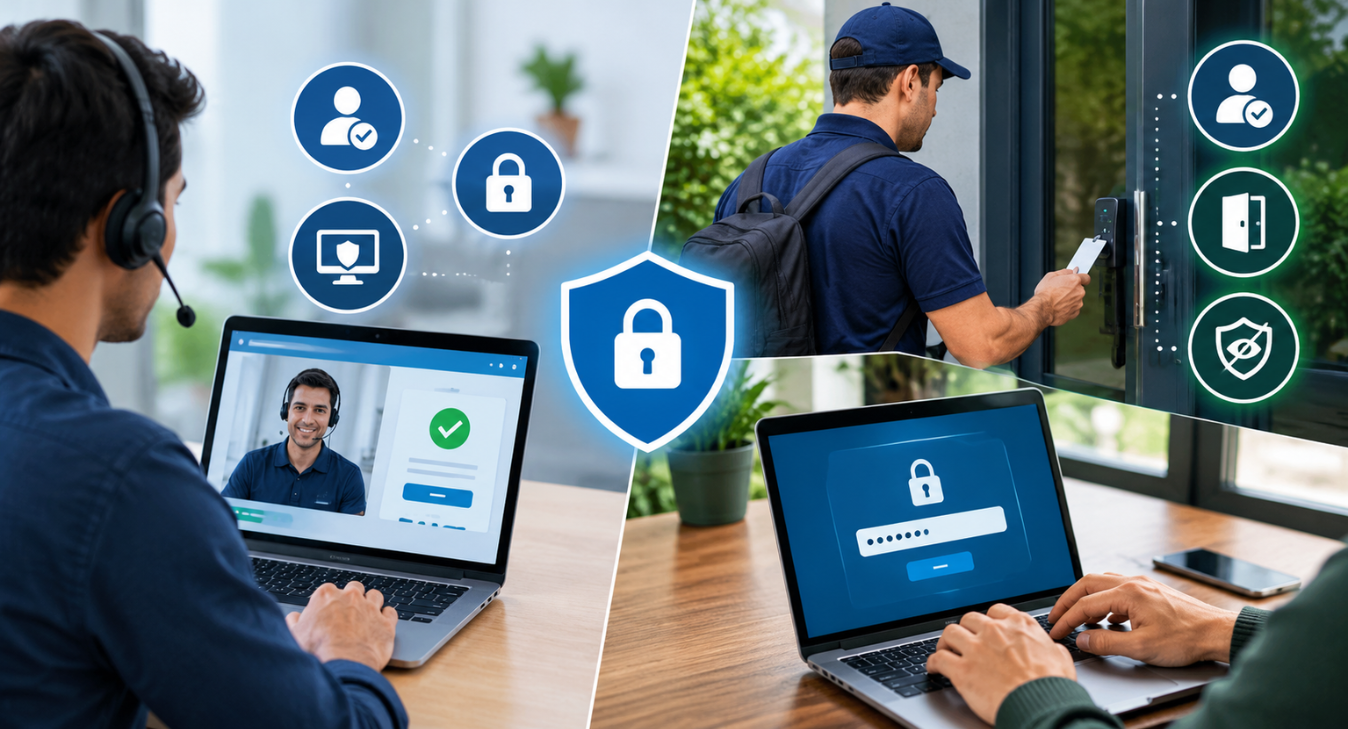
Remote support should require authorisation, use reputable tools and limit access to what is necessary. Staff should know how to verify that a support request is genuine and should not approve unexpected access requests.
Onsite technicians also need clear access controls and privacy practices. Users should enter their own passwords when practical and avoid sharing credentials through email or chat.
A hybrid model for small businesses
A hybrid arrangement uses remote support for routine requests and onsite visits for physical work or issues that need direct inspection. It can be a sensible option for businesses that want responsive help without paying for a visit every time.
Set priorities for outages that affect the whole team, and keep a record of recurring problems. Patterns may indicate a need for better Wi-Fi, device replacement, more reliable backups or improved account security.
How to choose
Choose remote-first support if most issues are software or account related and your team can follow instructions. Prioritise local onsite availability if your business depends on printers, physical networks, multiple workstations or hands-on setup.
Ask a prospective provider how it decides between remote and onsite work, what response times apply and how costs are communicated. A good provider explains the reason for its recommendation.
Conclusion
Remote and local support are not competing solutions; they are complementary ways to resolve different problems. The Tech Co offers Perth customers support options for common computer, laptop, email, printer, Wi-Fi and business IT issues, with onsite help where suitable.
Need Computer or IT Support in Perth?
Contact The Tech Co to discuss a practical support approach for your Perth business.
The Tech Co
Phone: 0481345669
Email: help@thetechco.com.au
Website: www.thetechco.com.au