
Computer Setup & Installation
Hassle-Free Setup — Done Right the First Time
Our new computer setup service takes the stress out of getting started — we configure your device properly, install essential software, connect everything, and make sure it’s secure and ready to use from day one.
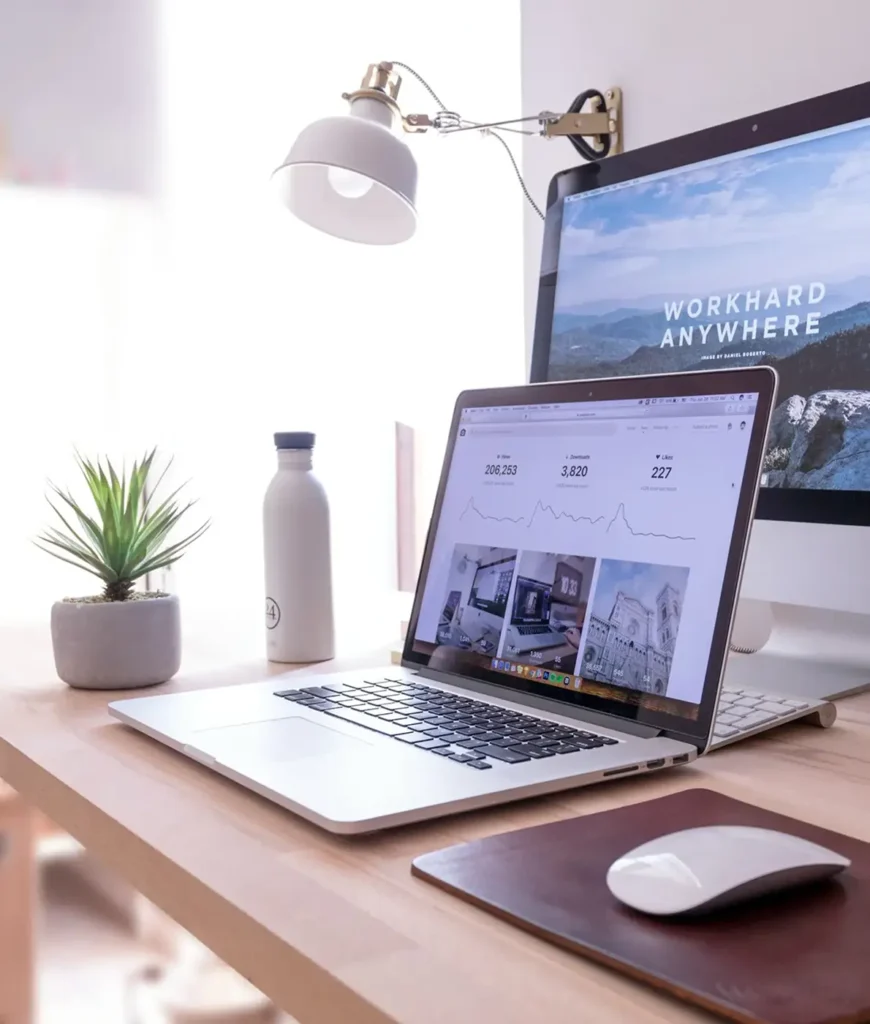









What we help with:
Setting up a new computer shouldn’t be stressful. We’ll configure your device properly, install essential software, connect everything, and make sure it’s secure and ready to use.
- New computer setup (Windows & macOS)
- Operating system configuration & updates
- Software installation
- Email and user account setup
- Email and user account setup
- Internet / Wi-Fi connection setup
- Printer and accessory installation
- Data transfer from old computers
- Security & antivirus installation
- Performance optimization
Home & Business Setup Solutions
For Home Users
- Personal computer setup
- Family and parental controls
- Home Wi-Fi connection
- Smart device integration
For Businesses
- Office computer deployment
- Workstation configuration
- Network and printer sharing
- Business software setup
- Secure user access and permissions
Why Choose The Tech Co?

- Experienced and reliable technicians
- Fast, same-day or scheduled service
- Clear pricing with no hidden fees
- Friendly, easy-to-understand support
- On-site or remote setup available
We don’t just install — we explain everything and make sure you’re comfortable using your system before we leave.
Get Started Today
Avoid frustration and get your computer set up professionally. Contact us today to schedule your Computer Setup & Installation service and start using your technology with confidence.

How It Works
Book an Appointment
Schedule a time that works for you
We Set Everything Up
Hardware, software, and connectivity
Test & Optimize
Ensure everything runs smoothly
Walkthrough & Support
We show you how it all works
Got Questions?
We’ve Got Answers.
How do I transfer files from my old computer to a new one?
Transferring files from an old computer to a new one can be done three ways: via an external hard drive (copy files across manually — reliable for large volumes), using Windows Easy Transfer / Migration Assistant on Mac (built-in tools that move files and settings), or through a direct network transfer over your home Wi-Fi. Cloud sync via OneDrive or Google Drive handles documents well but not large media libraries. For a full migration including emails, browser bookmarks, and software settings, a technician visit saves hours of frustration.
What should I set up first on a brand new Windows laptop?
On a new Windows laptop, the first steps are: connect to Wi-Fi and let Windows Update run fully (this can take 1–2 hours but prevents security gaps), set up your Microsoft account, configure Windows Defender, install a browser of choice, set up OneDrive or your preferred cloud backup, and install Office or Microsoft 365 if needed. Disabling unnecessary startup programs early keeps the machine fast long-term. A professional setup ensures nothing is missed and leaves the device optimised from day one.
How do I set up a printer on a new computer in Perth?
Setting up a printer on a new computer requires installing the correct driver from the manufacturer’s website (not the CD — these are outdated), connecting via USB or adding the printer over Wi-Fi through Windows Settings > Bluetooth & Devices > Printers & Scanners. Wireless printer setup often fails when the printer and computer are on different Wi-Fi bands (2.4GHz vs 5GHz). If the printer still won’t connect after following setup steps, The Tech Co offers printer setup as part of its computer setup service across Perth.
Can someone transfer my Outlook emails to a new computer?
Outlook email transfer requires exporting a .PST file from the old machine and importing it into Outlook on the new one — a process that preserves all emails, folders, contacts, and calendar entries. The exact steps differ between Outlook 2016/2019 and Microsoft 365 versions. Attachments, folder structures, and rules all carry across correctly when done properly. Skipping a step — particularly the .PST export — risks losing years of email history. This is one of the most common setup tasks handled during The Tech Co’s computer migration service.
How long does it take to fully set up a new computer?
A basic new computer setup — Wi-Fi, accounts, email, and key software — takes 1–1.5 hours. When data migration from an old device is included, allow 2–4 hours depending on data volume (large photo libraries and media collections take longer). Microsoft 365 installs and full Windows Update cycles can add another hour. A professional in-home setup covers everything in one visit, ensuring the machine is properly configured, up to date, and ready to use before the technician leaves.