
Server Support & Maintenance Services
Keep your business running smoothly with reliable, secure, and fully managed server support and maintenance services. We provide proactive monitoring, expert troubleshooting, and ongoing server management to ensure maximum uptime, performance, and data protection for your business.
Whether you operate on-premises servers, cloud infrastructure, or hybrid environments, our experienced IT professionals deliver dependable server solutions tailored to your needs.






Our Server Support
Services
We offer comprehensive end-to-end server support to prevent downtime and resolve issues quickly:
- Windows Server & Linux Server Support
- Physical & Virtual Server Management
- On-Premises, Cloud & Hybrid Server Environments
- Active Directory & Domain Controller Support
- Server Performance Monitoring & Optimization
- Hardware & Software Troubleshooting
- Backup, Recovery & Disaster Recovery Solutions
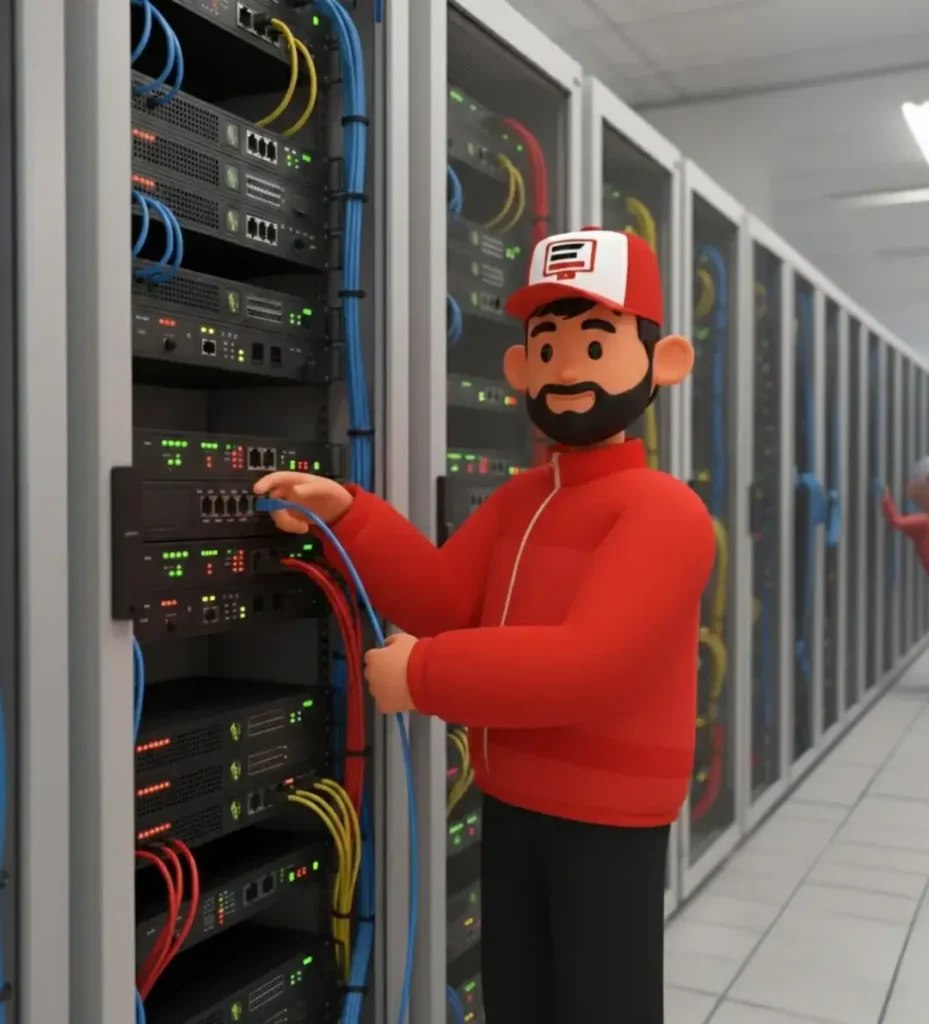
Proactive Server
Maintenance
Regular server maintenance is essential to maintain security, stability, and performance. Our proactive maintenance plans help detect and resolve issues before they affect your operations.
Our Maintenance Services Include;
Scheduled server health checks
Security patching and system updates
Disk space management & performance optimization
Server log monitoring and analysis
Firmware and driver updates
Capacity planning & scalability support

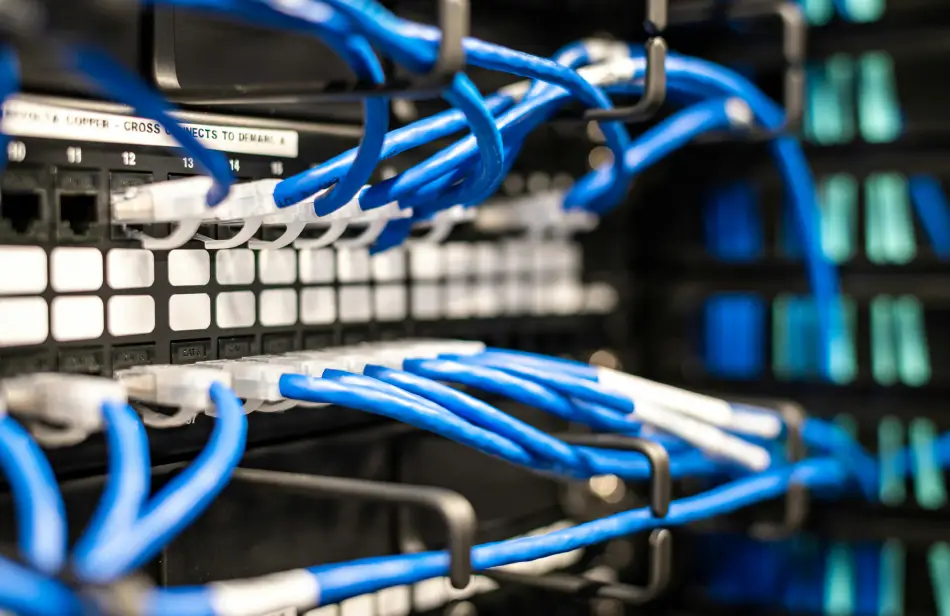
Server Security & Data
Protection
Protect your business-critical data with advanced server security and compliance solutions.
Server hardening and security configuration
Firewall management & access control
Malware and ransomware protection
Data backup & disaster recovery planning
Compliance support following industry best practices
Why Choose Us for
Server Support?
- Experienced and certified IT professionals
- Fast response and proactive issue resolution
- Reduced downtime and improved reliability
- Scalable solutions for growing businesses
- Cost-effective managed server support plans
We focus on preventing problems, not just fixing them.
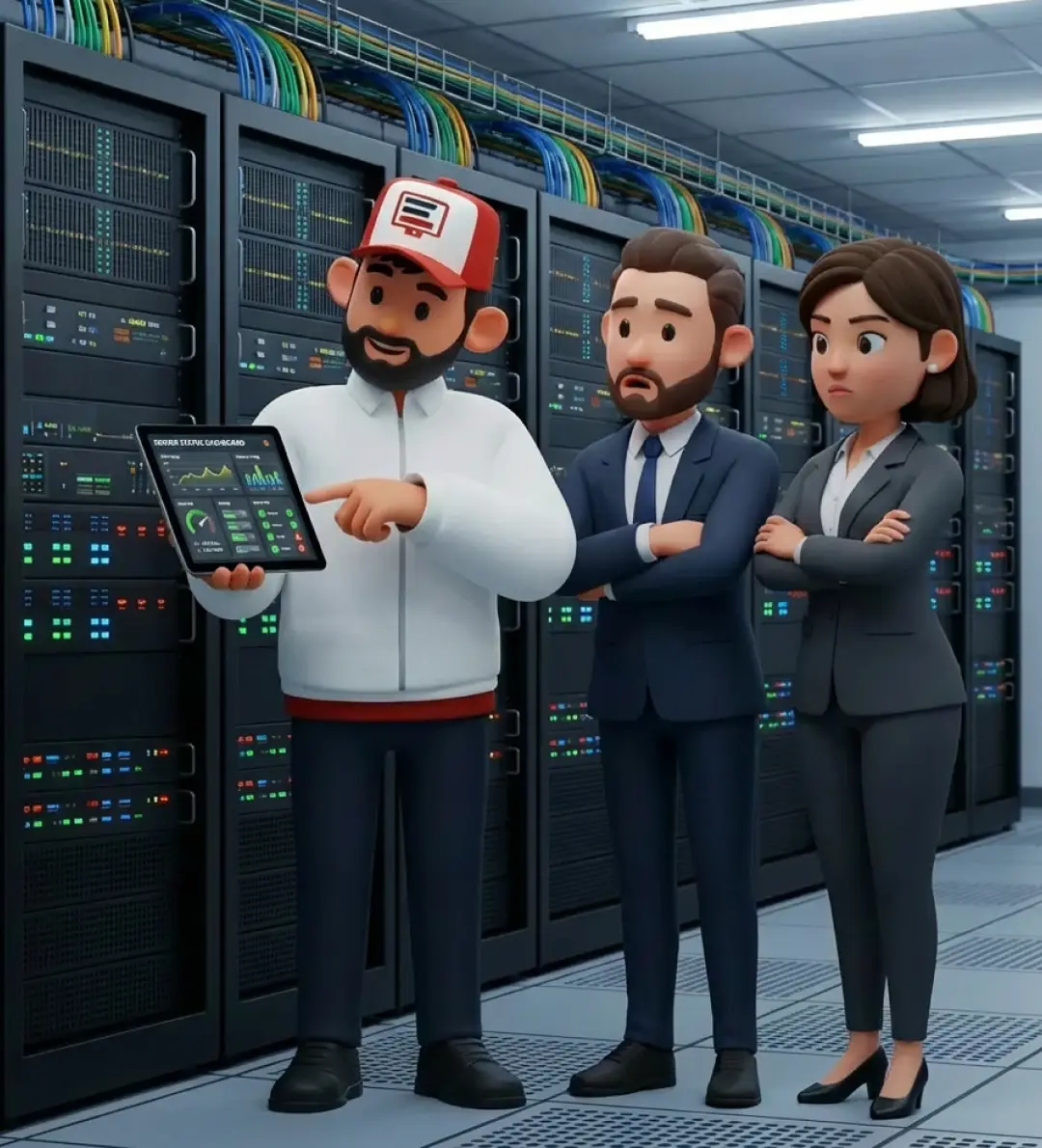
Get Reliable Server Support Today
Ensure your servers are secure, optimized, and always available. Our server support and maintenance services give you peace of mind so you can focus on growing your business. Contact us today to discuss a custom server support solution.

Industries We Support

- Small & Medium Businesses
- Corporate Enterprises
- Healthcare & Medical Practices
- Education & Training Providers
- Retail & E-commerce
- Professional Services
No matter your setup, we provide email solutions tailored to your needs.
Got Questions?
We’ve Got Answers.
Does a small Perth business actually need a physical server?
Many small Perth businesses no longer need a physical on-premises server. Cloud platforms — Microsoft Azure, Microsoft 365, Google Workspace — handle file storage, email, and collaboration without the capital cost, maintenance burden, or single-point-of-failure risk of physical hardware. Physical servers still make sense for businesses with specific compliance requirements (data must stay on-premises), high local data volumes (engineering firms, media production), or reliable fast local network access needs. A hybrid approach — cloud for email and files, small local server for line-of-business software — suits many Perth SMBs.
What is Active Directory and why do businesses use it?
Active Directory (AD) is Microsoft’s directory service — essentially the central identity system for a Windows business network. It stores user accounts and passwords in one place, controls who can access which computers and files (Group Policy), enforces password complexity rules, and integrates with other Microsoft services. Businesses with more than 5–10 staff typically benefit from AD: staff can log in to any company computer with their own credentials, password resets happen centrally, and access is revoked instantly when someone leaves. The Tech Co configures Active Directory for Perth businesses on Windows Server.
How often should a business server be backed up?
Business servers should be backed up at minimum daily — ideally following the 3-2-1 rule: 3 copies of data, on 2 different media types, with 1 copy offsite or in the cloud. Critical databases (accounting, CRM, ERP) warrant more frequent incremental backups (every 1–4 hours). Backups are only as reliable as their last successful test restore — The Tech Co recommends quarterly restore tests for Perth business clients to confirm backup integrity. An untested backup is not a backup.
What is the difference between Windows Server and regular Windows?
Windows Server is built for running shared services that multiple users and devices rely on simultaneously — file sharing, user authentication (Active Directory), hosted databases, and internal websites. Regular Windows (Home/Pro) is designed for a single user’s desktop workload. Key differences: Windows Server supports unlimited simultaneous user connections (Pro is limited to 20), includes Hyper-V virtualisation, Remote Desktop Services for multiple concurrent sessions, and server-grade reliability features. Running a business network off a Windows Pro machine works at very small scale but breaks down in reliability and manageability past 3–5 users.
How do I know when my server needs replacing?
Servers typically have a useful life of 5–7 years for business-critical workloads. Signs it’s time to consider replacement: warranty has expired (manufacturer no longer supplies hardware replacements), the operating system is reaching end-of-life (Windows Server 2012 R2 — end of extended support passed), performance is degrading under current load, or you’ve had more than two hardware failures in the past 12 months. Planning a refresh before failure — rather than after — avoids the cost and disruption of emergency replacement. The Tech Co advises Perth businesses on server lifecycle planning.